Overview
What we released this cycle
Timberline focused on two threads: growing and managing your audience, and leveling up commerce. We brought your media into one place, gave you sharper ways to track and reach your contacts, and added more ways for checkout to earn. Here's the work.
Grow and manage your audience
Unified Media Library
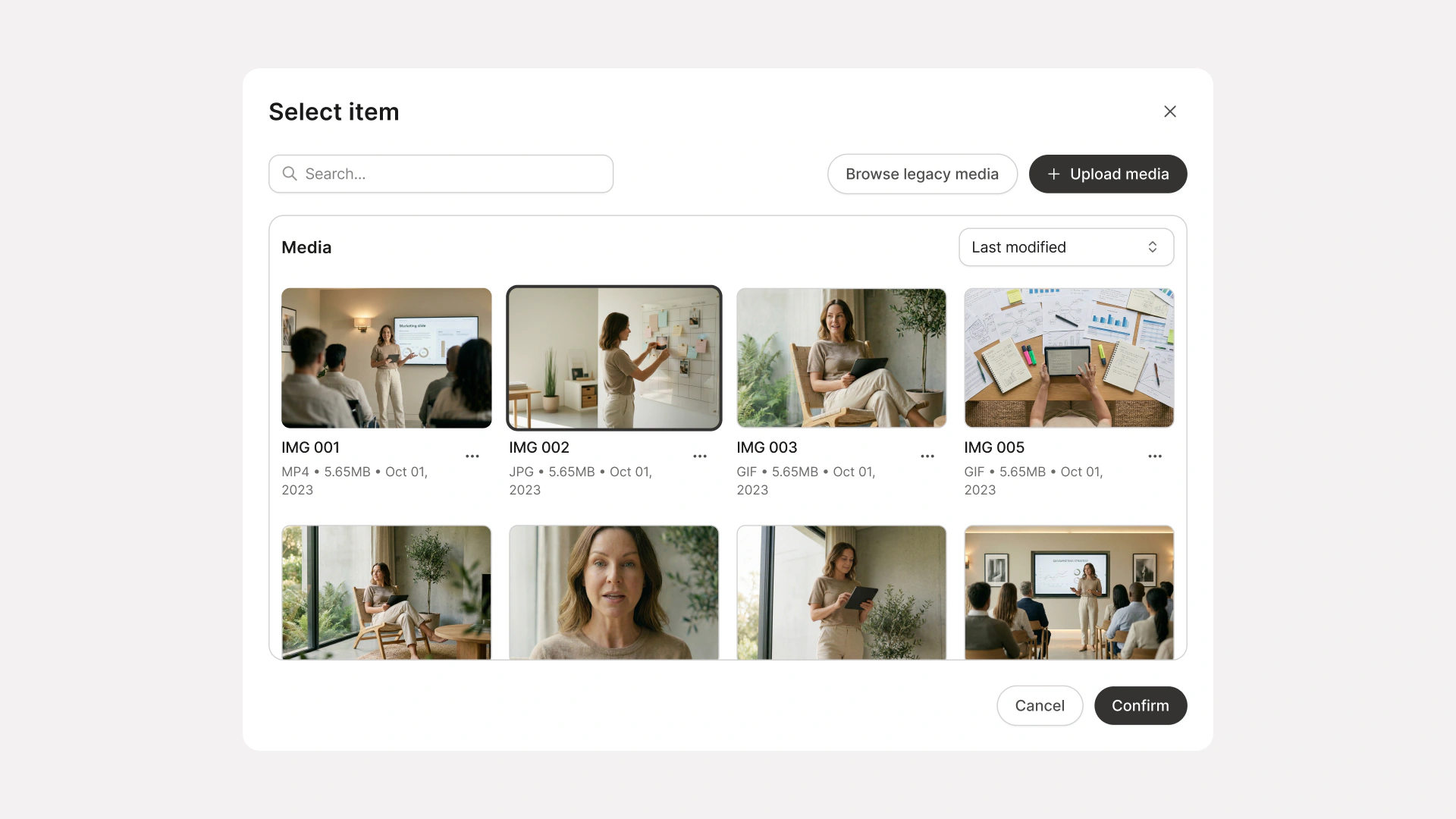
We called this one out as releasing soon at the end of Seaside — it's here. The Unified Media Library brings your images and videos into one organized space. Tag your assets, sort them into custom views, and find what you need without digging. And with per-placement analytics, you'll see exactly how each video is performing across every location it's installed. Not just views — actual context for what's working and where.
Clickable Video Chapters
The other Seaside promise, delivered. Clickable chapters turn long videos into easy, navigable learning — members get what they need faster by going directly to specific topics instead of scrubbing through an entire video.
Community Experience Improvements
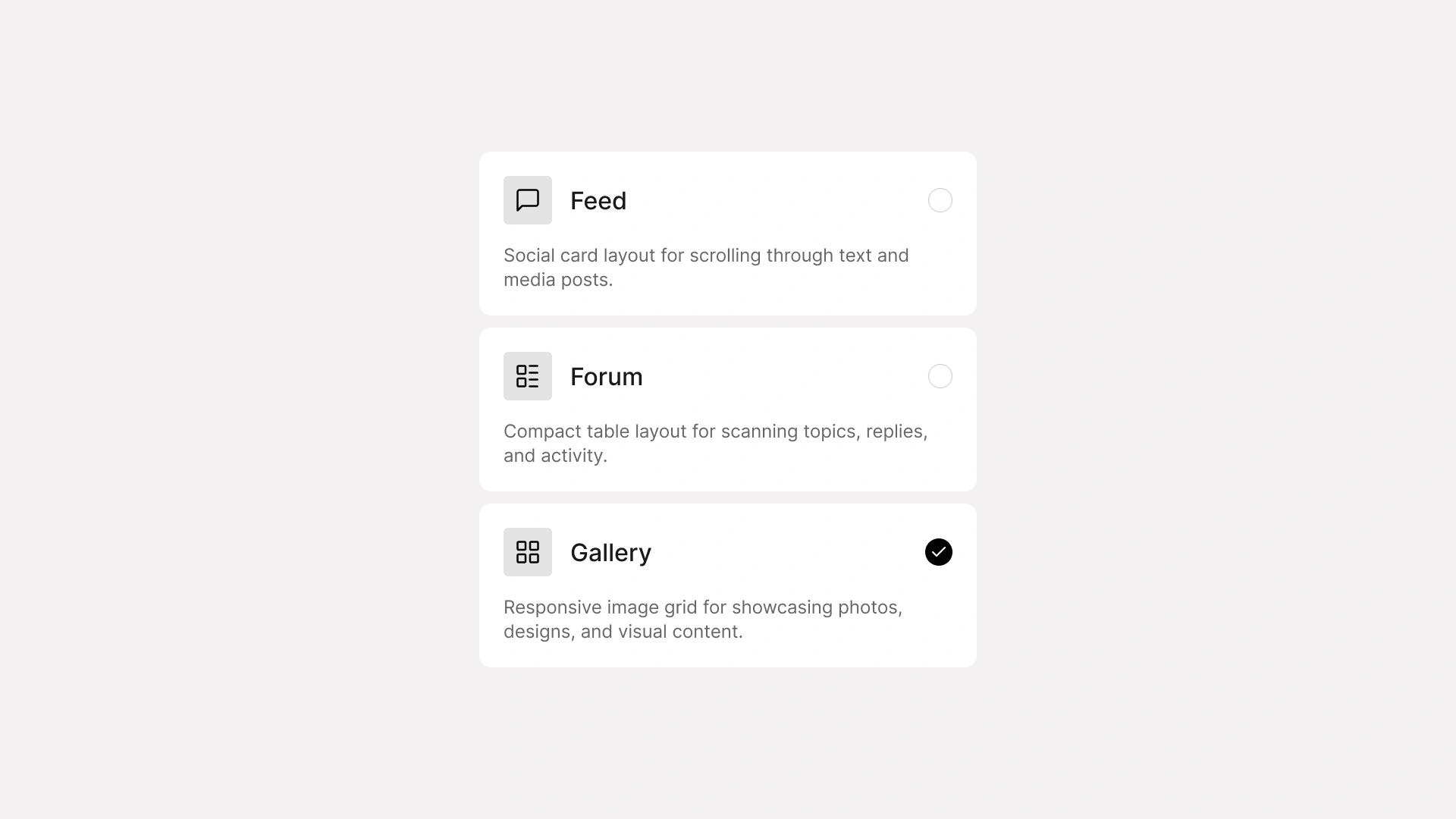
Dozens of quality-of-life improvements across the community, driven by 358 feedback portal votes. Read-only announcement channels, per-access-group controls for leaderboards, member directories, and DMs, recurring meetup scheduling, member usernames, the ability to move posts between channels, and more. The kind of polish that makes running a community feel effortless.
Add to Calendar for Coaching Sessions & Events
The "Add to Calendar" feature lets members save upcoming events (in the Marketing tab) and coaching sessions to their personal calendar. Calendar links are automatically included in confirmation emails and displayed on member-facing pages.
Contact Lifecycle Tracking
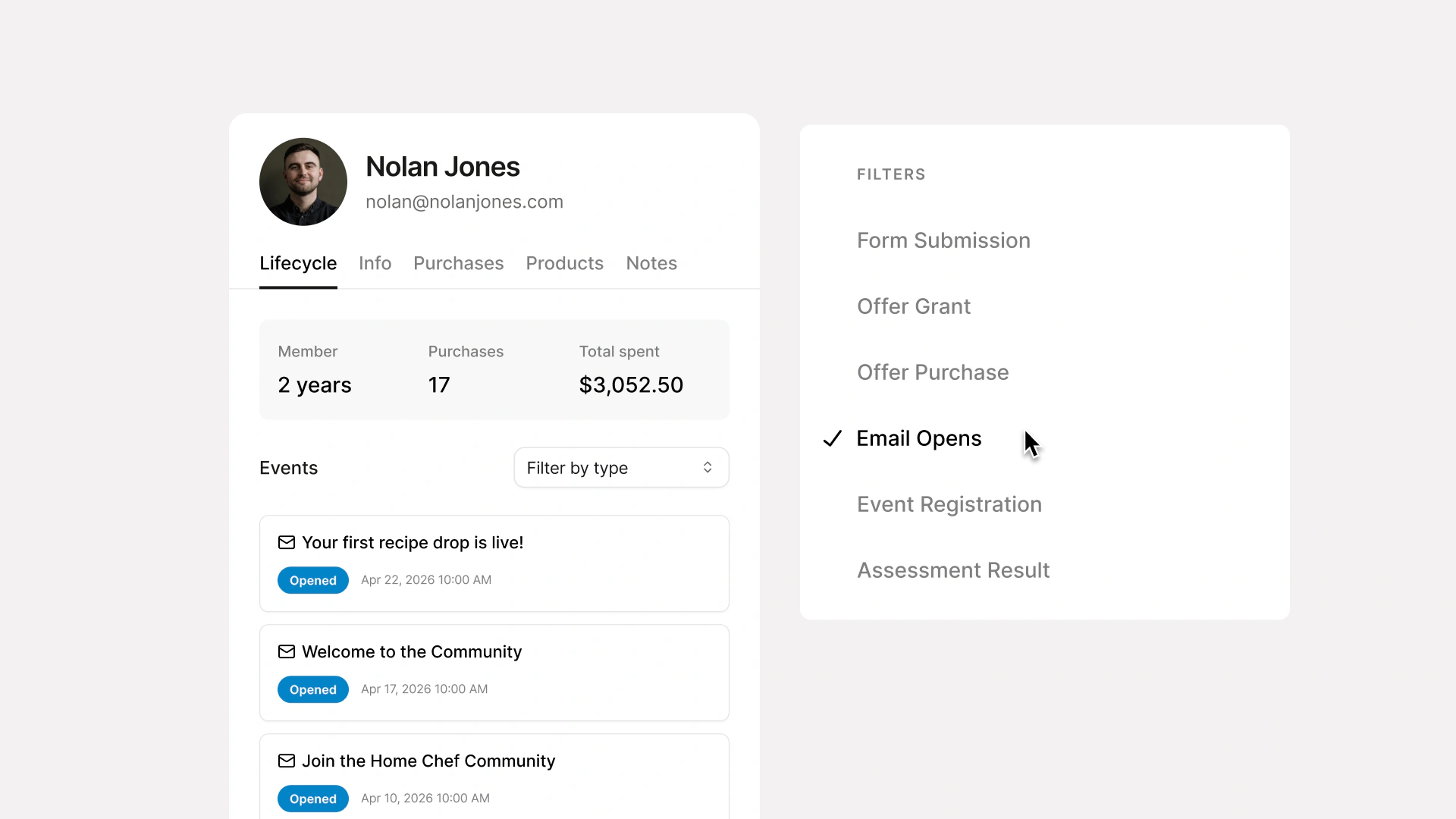
Tags and lists are useful. But they don't tell you the whole story. Contact Lifecycle Tracking shows you exactly where every contact stands in their journey: lead, buyer, repeat customer. Manage your audience by where they actually are, not just how you've categorized them.
Email Preference Controls
Your subscribers should be able to choose what they hear from you. And when they can, they stick around longer. Email Preference Controls let your audience decide which types of emails they receive. Better consent management means better deliverability, fewer unsubscribes, and an audience that actually wants to hear from you.
Level up commerce
Upcoming Payment Reminders
Your subscribers now get a heads-up before they're charged for subscriptions and payment plans. A little notice goes a long way — it gives them time to make sure funds are available, reduces failed payments, and builds trust with your audience.
Invoice Payment via ACH Bank Transfer
US creators can now offer ACH bank transfer as a payment method on Invoices. It's a familiar option for larger transactions, and it comes with lower processing fees. That means more of the revenue stays with you.
Instant Payouts
Whether you're funding a campaign, paying a contractor, or just need access to what you've already earned, your money can now be there in minutes, any day of the week, including weekends and holidays with Kajabi Instant Payouts.
Checkout Label Overrides
Easily override key labels on your checkout page to match the language and tone of your business. Whether you're swapping out default wording or customizing the experience for a specific audience, your checkout can finally sound like you.
Upsells Report
See exactly how your upsells are performing — purchases, sales, and conversion rate, all in one report. Now you know which upsells are earning their place in the funnel and which ones need work.
Abandoned Checkout Email Improvements
Abandoned checkout emails now reach first-time visitors, not just existing customers. Email capture happens automatically in the background as an email is entered, so if they leave, they get a follow-up. A new Revenue Recovered from Abandoned Checkout Emails report gives you visibility into sends, opens, clicks, and exactly how much revenue your abandoned checkout emails are generating.