Updates
Community

Community helps you turn relationships into revenue by creating spaces where members stay engaged and connected. With unlimited access groups, customizable design, integrated courses, and in-context offers, you can deliver real value while driving growth. Included in all plans, Community has been shown to boost revenue by an average of 40 percent.
Analytics
Analytics gives you clear, actionable insights to help you focus on what drives revenue. With a new customizable dashboard and over ten new reports, you can track performance, spot opportunities, and make confident, data-driven decisions right inside Kajabi.
Cohort Courses
Cohort Courses turn learning into a shared experience by combining structure, accountability, and community. With limited-time enrollments that create urgency, peer-to-peer interaction that builds real connections, and group momentum that boosts completion rates, you can deliver courses that drive stronger outcomes.
Transcriptions
Transcriptions make your content more accessible and expand your reach by automatically generating subtitles and translations. You can edit transcripts with ease, add subtitles, and translate into more than 70 languages, helping you connect with a global audience without extra tools.
Automations
Automations handle the busywork for you, creating personalized experiences that scale and generate revenue around the clock. With a visual builder, branching logic, and an infinite canvas, you can design powerful workflows in minutes or start from pre-made blueprints. New Beta features like comment-to-DM social automations make it even easier to connect with customers and keep growth running on autopilot.
Link in Bio
Link in Bio turns your profile into a branded hub that drives sales and sign-ups. Bring all your socials together in one place, capture emails to grow your audience, and showcase your offers front and center to turn followers into customers.
Builder
The new Builder gives you a faster, more intuitive way to create, with a modern interface and global style settings that keep your branding consistent. Whether you’re building websites, landing pages, emails, or products, you can bring ideas to life quickly and move from concept to revenue in less time.
Mobile App
The unified Mobile App brings Courses, Coaching, Podcasts, and Community together in one place, giving your members a seamless way to stay connected on the go. With a sleek interface, ultrafast loading, and an upgraded native Community experience, it keeps your brand top of mind and engagement strong anytime, anywhere.
Coaching
Coaching now gives you everything you need to deliver professional client experiences while growing your business. With a customizable coaching portal, built-in invoicing, coaching-specific automations, and flexible booking, you can run sessions smoothly and scale with ease. Plus, one-click upsells and auto-renew subscriptions make it simple to expand revenue without extra work.
Affiliates
Affiliates helps you grow your reach by turning satisfied customers into advocates who sell for you. A branded portal makes it easy for affiliates to engage, while automated payouts, customizable delay rules, and clear status indicators simplify management. You can even export leaderboards to track performance and celebrate top sellers.
The Payments Pulse - Issue #22
.avif)
Welcome to the latest issue of The Payments Pulse where we celebrate your incredible $10B milestone, Kajabi Payments hitting $1B in payments processed, and new feature launches.
Branded Account Setup Page
.avif)
Soon, it will automatically pull in your Website Theme with your fonts, colors, and button styles, making everything look and feel 100% on-brand.
Why this matters
1. Payment comes first (not distractions at checkout)
2. Right after purchase, customers land on a branded account setup page
3. They create their account and head straight into your products - no email detours, no trust gaps
This update keeps the focus where it should be: getting paid and giving your customers a seamless, trustworthy, on-brand experience.
This update is rolling out soon, but you can try it early by turning it on in Labs today.
Coupon Search
You can now search for coupon codes directly from the Coupons page, making it faster and easier to find and manage your discounts and promotions.
Set Customer Country Options
The feature allows heroes to set their default country when collecting address at checkout to either a specific country or based on the geo-location of the member.
Coupon URLs for Pop-Up Checkout
You can now generate pop-up checkout links that automatically apply a coupon when opened. It’s a faster, easier way to promote discounts and help your customers buy with fewer steps.
Kajabi Payments Has Processed Over $1 Billion in Creator Revenue!

The results speak for themselves:
- Today, 1 in every 2 dollars on Kajabi is processed through Kajabi Payments.
- Creators who enable Apple Pay and Google Pay see up to 30% higher conversion at checkout on Kajabi Payments.
- Creators like One Peak Creative have unlocked real impact, reporting a 13.12% lift in conversion and over $1M in added revenue after switching to KP.
Community Custom Page Integration

Now it's easier than ever to embed your Kajabi content inside your Community. The new Custom Page Integration feature lets you add offers, courses, landing pages, and more with a single click—giving members seamless access to your products and helping you drive engagement and conversions.
Community Offer Blocks
Now you can monetize your community more easily with Offer Blocks—a new upsell banner in the community sidebar that helps members discover and purchase your products without leaving the conversation.
Turn off Auto-Collection
.avif)
Gain more control over how you manage subscriptions and payment plans. You can now disable auto-collection for failed payments, giving you the flexibility to support your business and accommodate your customers’ needs.
Kajabi Payments Now in the United Arab Emirates
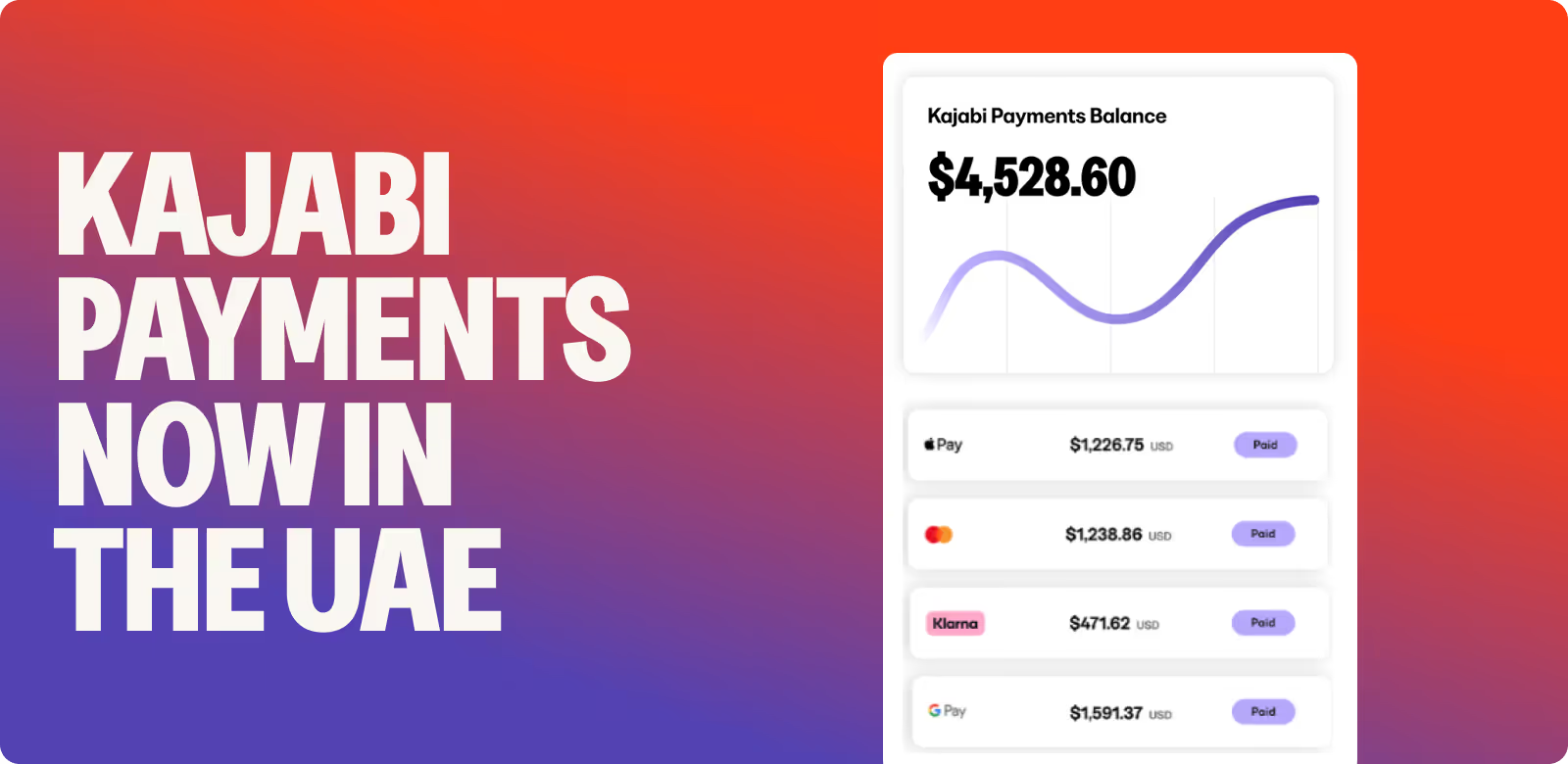
Kajabi Payments is available in the United Arab Emirates. You can now set up payments directly in Kajabi without relying on third-party tools.
With Kajabi Payments, you can:
✔ Accept more payment methods, including Apple Pay and Google Pay
✔ Automate sales tax calculations
✔ Create and send invoices
✔ Offer a simplified checkout with Kajabi Cart
✔ Connect with leading accounting software
✔ Access dedicated payments support